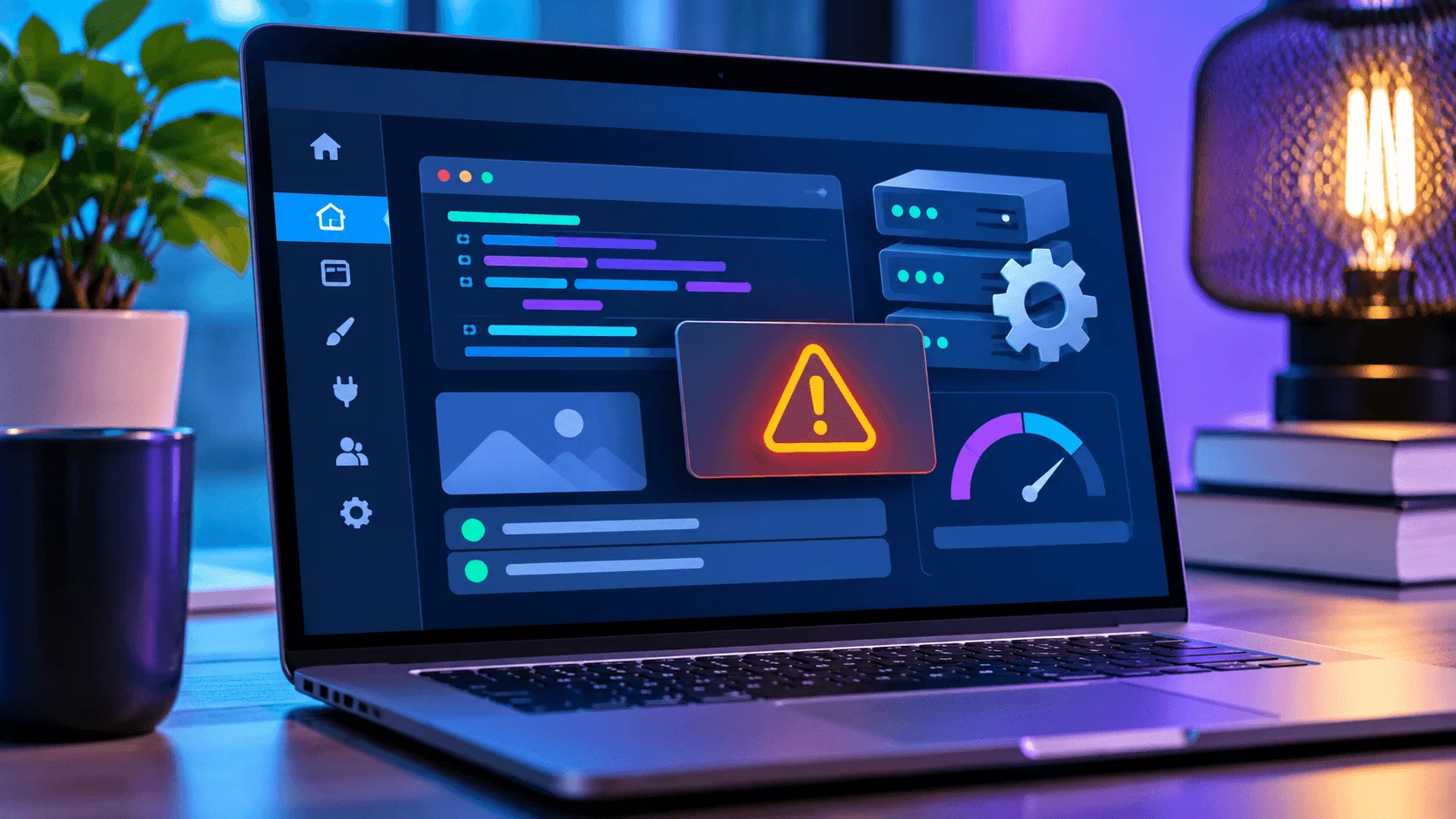
WordPress compatibility
WordPress PHP Update Problems
Learn how to check compatibility, test safely, and respond when a PHP change breaks WordPress.
Read the guide
Website Rescue
Broken pages, WordPress errors, PHP compatibility problems, SSL certificate warnings, and domain issues can stop potential customers before they contact you. Our website repair service starts with a practical diagnosis.
Problems we investigate
A browser warning does not always mean the same thing, and a page that fails for one visitor may work for another. We review the details you provide, reproduce the problem when possible, and narrow down the likely source before recommending work.
Some fixes can be completed directly. Others may require access to your hosting account, domain registrar, DNS provider, WordPress dashboard, or a third-party vendor. We explain that before additional work begins.
WordPress and hosting compatibility
A WordPress website may fail after a hosting provider changes the PHP version or after a theme, plugin, or WordPress core update. The visible symptom can be a blank page, critical error, broken layout, missing feature, or server response. The cause is not always the most recent item someone remembers changing.
Our WordPress website repair process starts by reviewing the error, recent changes, current software versions, and available hosting information. If a WordPress PHP update or compatibility issue is involved, we identify which component appears incompatible and explain the safest next step. That may involve a supported update, a configuration correction, or coordination with the host or original developer.
SSL warnings can result from an expired certificate, a domain mismatch, an incomplete certificate chain, DNS changes, or pages that still load insecure resources. We check the warning and relevant configuration before recommending a repair. Some certificate problems can be corrected in the hosting account; others must be handled by the certificate provider, domain registrar, or website host.
Our process
We do not assume the cause from a screenshot alone. The goal is to identify what is failing, what access is needed, and which party can realistically fix it.
We begin with the website address, the exact warning or error, when it started, and any recent changes. Reproducing the issue on more than one device or connection can help separate a site-wide failure from a local browser or network problem. The findings determine whether the next step belongs in WordPress, the hosting account, DNS, the SSL configuration, or another provider.
What happens next
After the initial review, we explain the likely cause and the next practical step. If Local Growth Advantage can perform the repair, the scope and price are communicated before work begins. If the issue belongs with a host, registrar, developer, or another provider, we will say so.
No website can be guaranteed to operate without interruption forever. Hosting outages, software updates, expired services, third-party changes, and security events can create new problems after a repair. Our work addresses the agreed issue based on the access and evidence available at the time.
Practical resources
Use these guides to understand common WordPress, SSL, and website-security symptoms before changing settings or requesting help.
WordPress compatibility
Learn how to check compatibility, test safely, and respond when a PHP change breaks WordPress.
Read the guide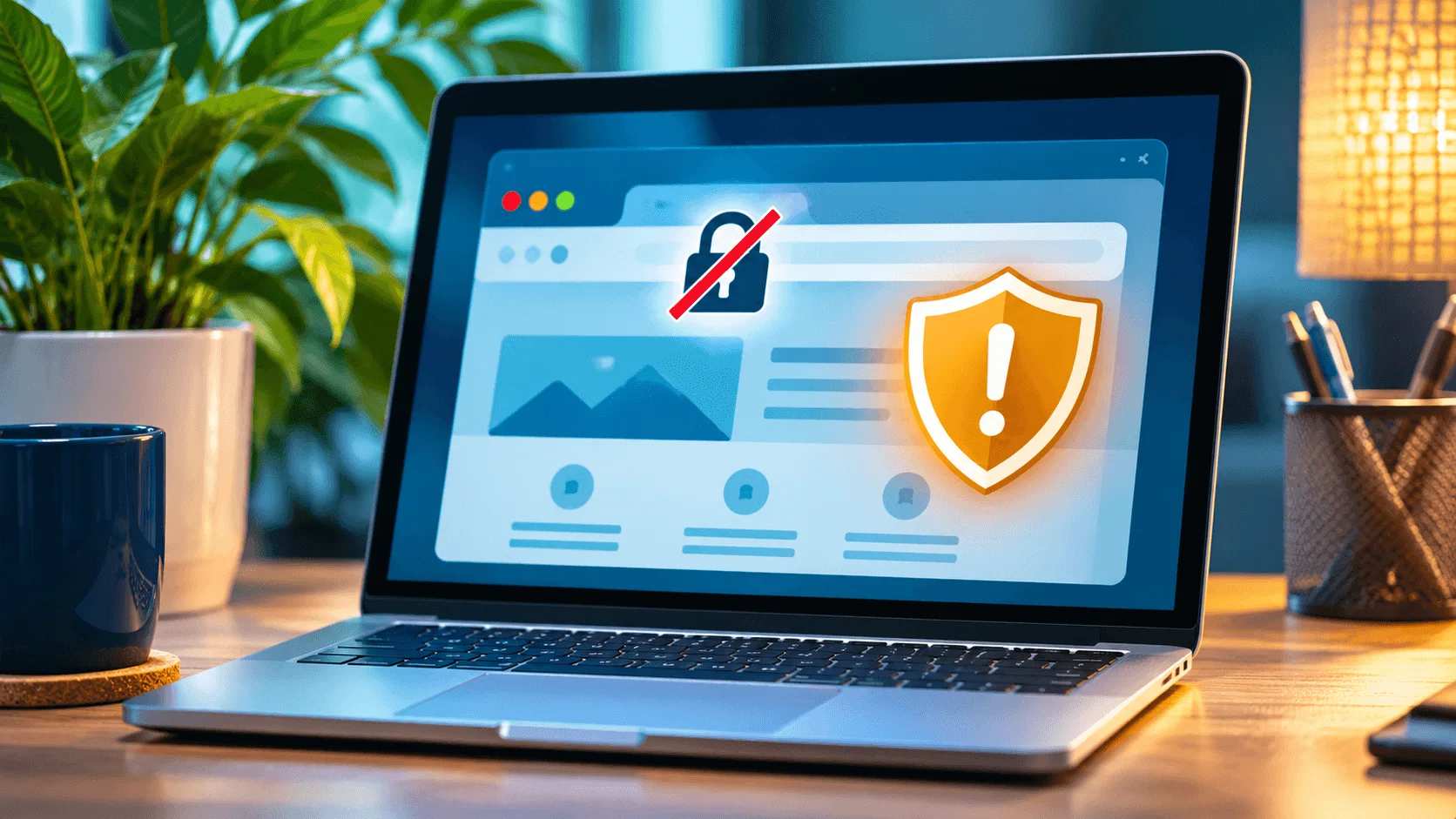
SSL and HTTPS
Understand browser security warnings, certificate renewal checks, and possible configuration problems.
Read the guide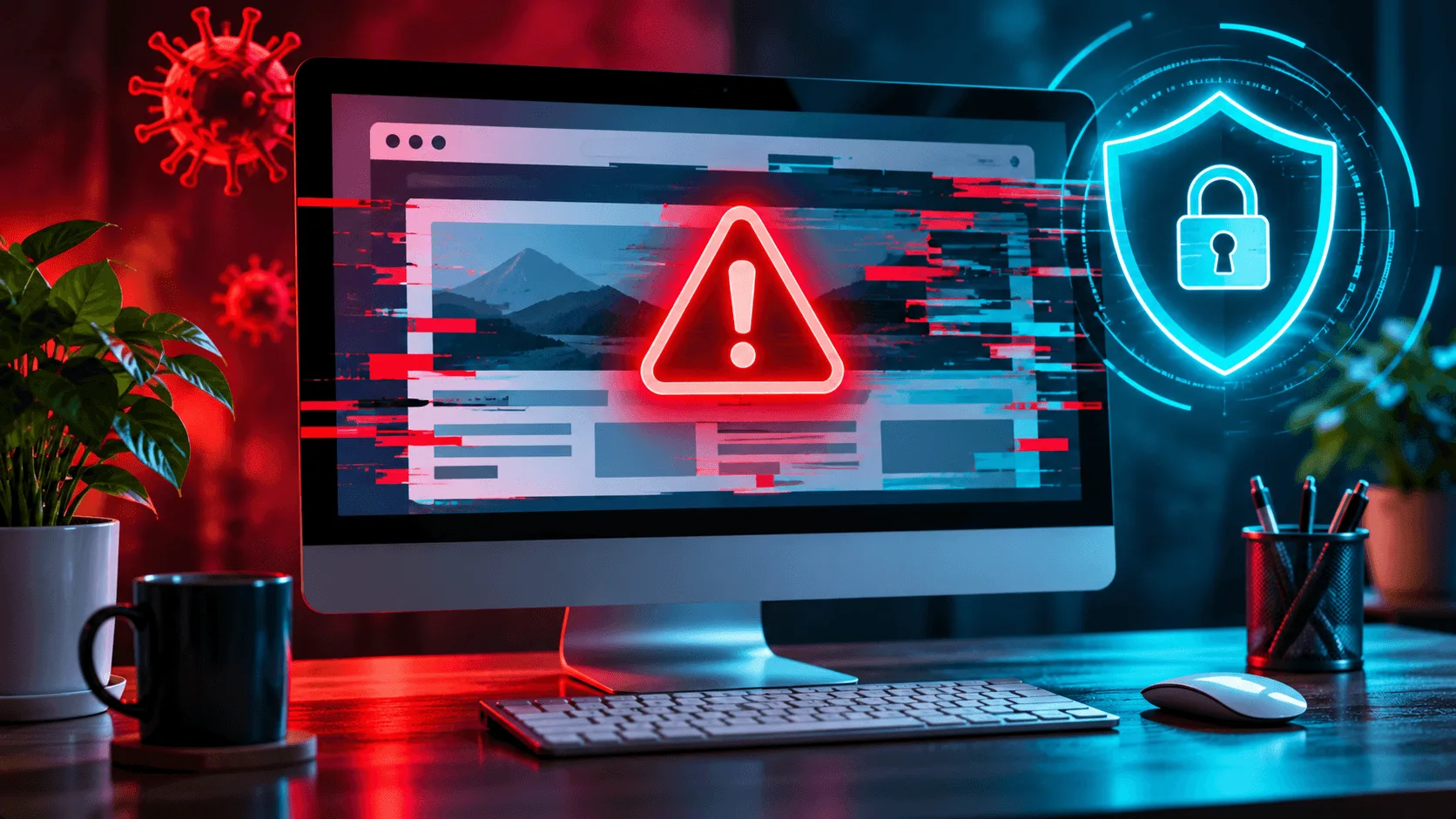
WordPress security
Recognize possible infection symptoms and understand why they require careful diagnosis.
Read the guideStart with clarity
Use the Website Rescue request form to share the business name, website URL, and problem you are seeing. We will follow up with a straightforward answer.
Request a website checkAlso building your reputation? Explore Google Review Cards and Google review management.